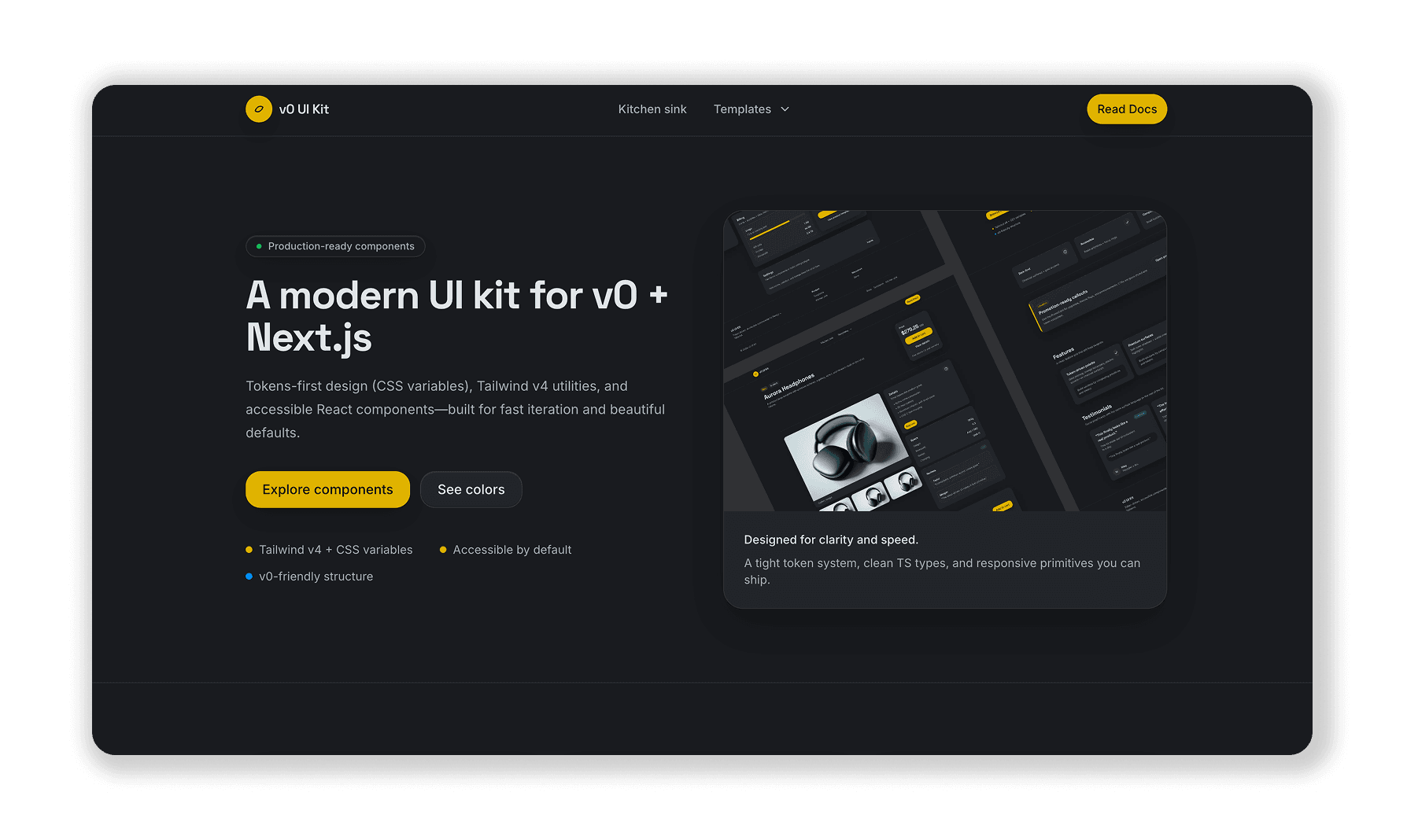
V0 UI Kit
Project Overview
The V0 UI Kit is an experiment project to explore the capabilities of V0 when connected to Github repositories.
The project aims to understand how V0 can be used to generate UI components and layouts based on the code in a Github repository. This can help leverage existing codebases and quickly generate code for new projects following a similar design pattern.
The Challenge
The challenge was to explore the ever changing capabilities of V0 by:
- Integrate a Github repository into V0
- Prompt V0 to generate UI components and layouts based on the code in the repository
- Review and evaluate the generated UI components and layouts
The Solution
I built a simple UI Kit and integrated it with V0 using the new Github integration.
- Created a simple UI Kit including template examples for a login page, dashboard, and a settings page
- Added a new project in V0 that directly connects to the Github repository
- Created a series of prompts to guide V0 to generate a new template based on the code in the repository
- Using V0's new Github integration, I was able to create pull requests to review and approve the generated UI components and layouts before merging them into the main branch
After some exploring of V0's new Github integration features and prompts, I was able to generate a new template based on the code in the repository. This was a great way to explore the capabilities of V0 and how it can be used to generate UI components and layouts based on the code in a Github repository. In addition, the Vercel deployment ran automatically after each merge to the main branch, allowing me to quickly deploy the new template.
Technologies Used
Results
The integration process proved remarkably straightforward. Setting up the Github connection in V0 required minimal configuration, Simply authorizing the repository and selecting the target project. Within minutes, V0 was able to analyze the existing UI Kit codebase and understand the established design patterns.
Initial template generation exceeded expectations in terms of accuracy. After providing V0 with a prompt to create a banking template page following the existing design system, the generated component correctly:
- Applied the established color scheme and typography
- Utilized the same component structure as the dashboard template
- Maintained consistent spacing and layout patterns
- Implemented proper Next.js conventions matching the repository
The ease of setup and accuracy of initial outputs validated V0's potential for rapid prototyping within established design systems. These promising results warrant deeper exploration with more complex UI patterns, including data-heavy dashboards, multi-step forms, and interactive components to fully assess V0's capabilities in production scenarios.